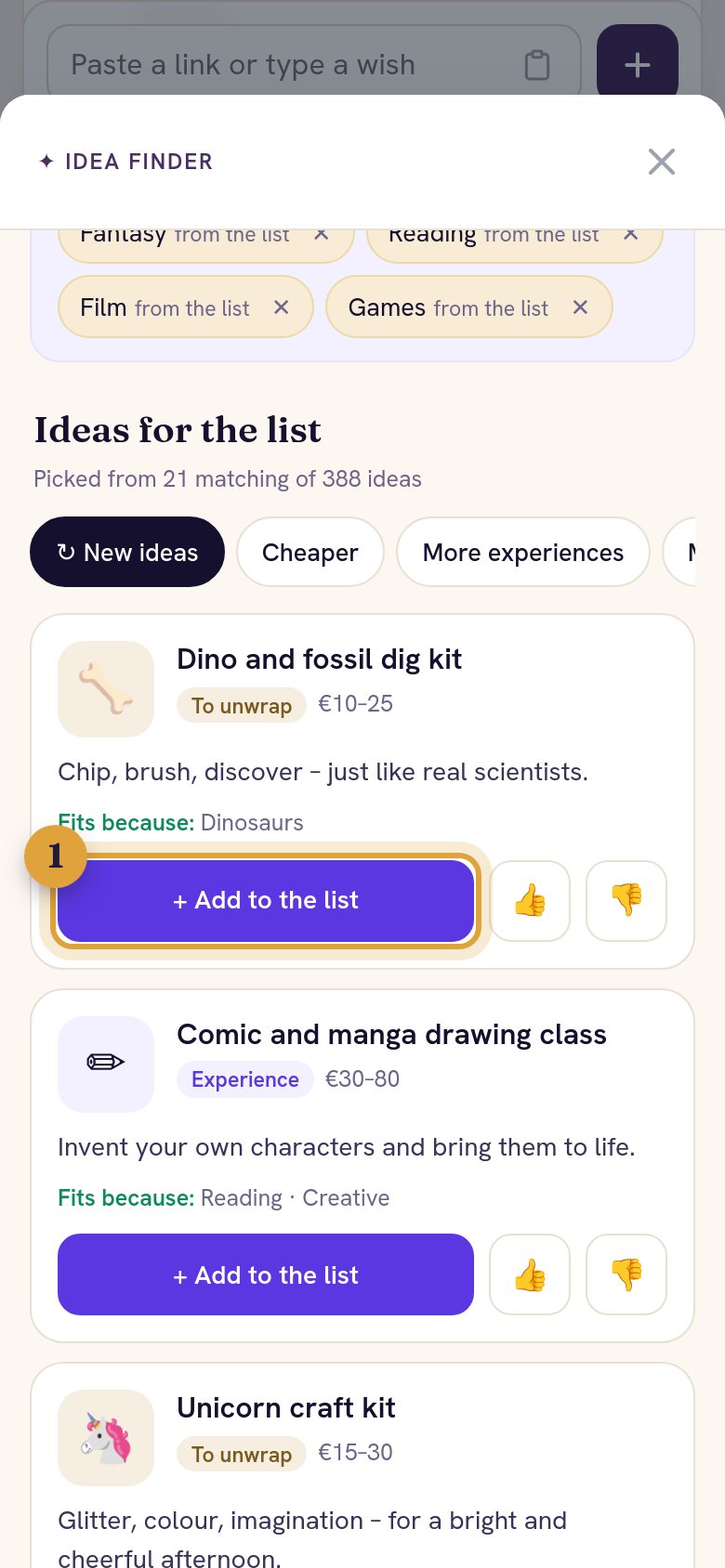
The surprise stays a surprise: how your guests reserve

The best bit of any present is the moment it’s unwrapped. That’s why Wishonaut shows your guests what’s already taken – but not you. Nothing ends up under the tree twice, and the surprise still works.
-
Step 1: Reserve a wish
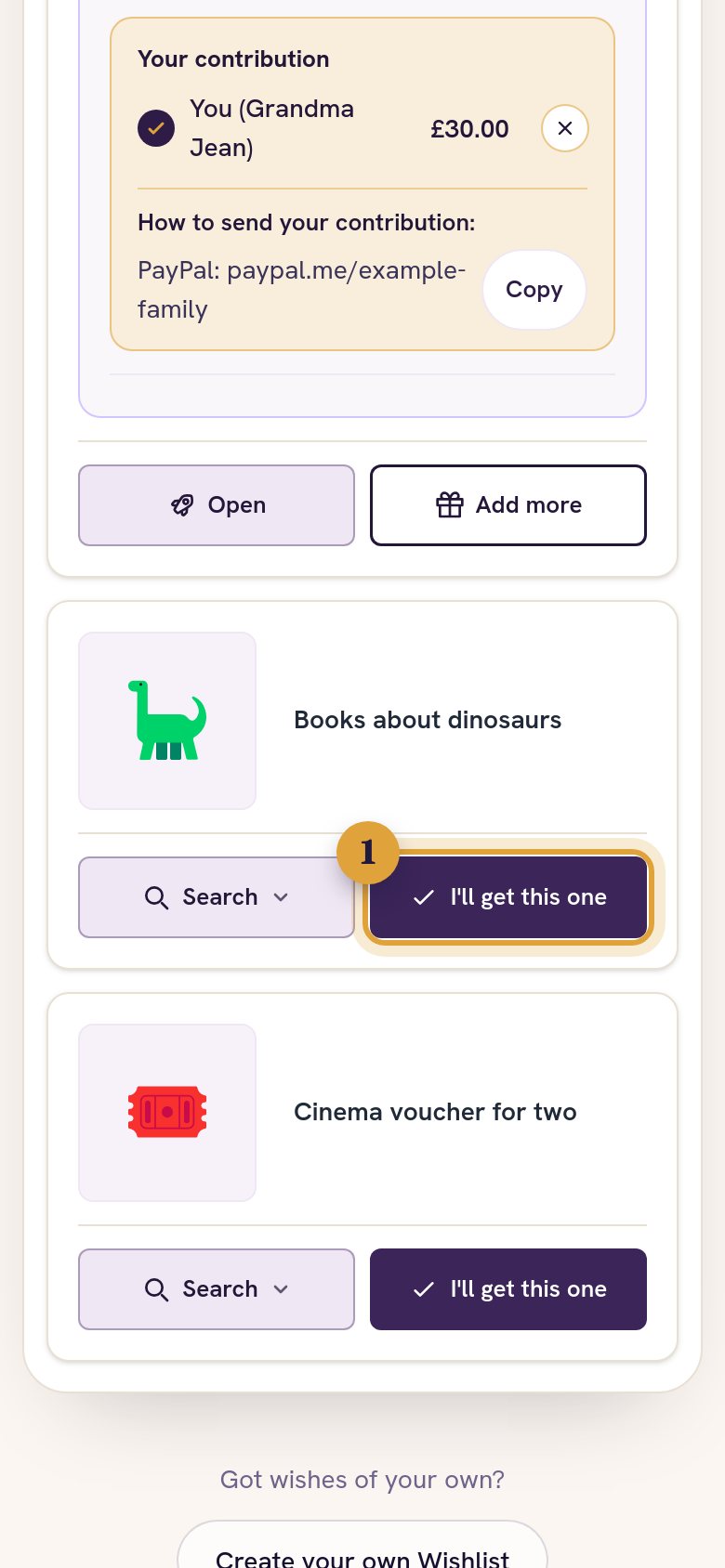
Your guests open your link and tap “I’ll get this one” on a wish 1. No account needed.
-
Step 2: A name and a note – both optional
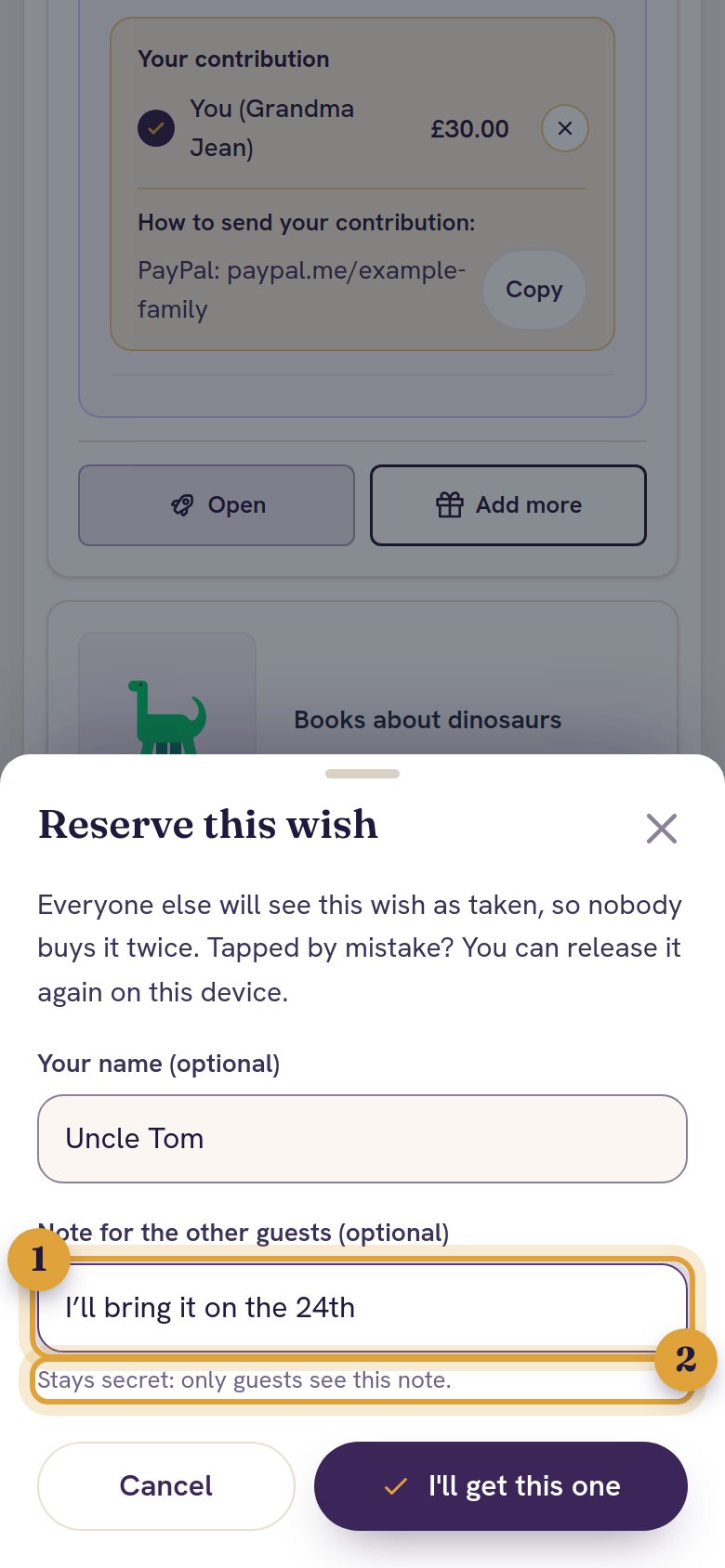
In the window they can add their name and a note for the other guests 1, like “I’ll bring it on the 24th”. The note stays secret 2: only guests can see it.
-
Step 3: The other guests are in the loop
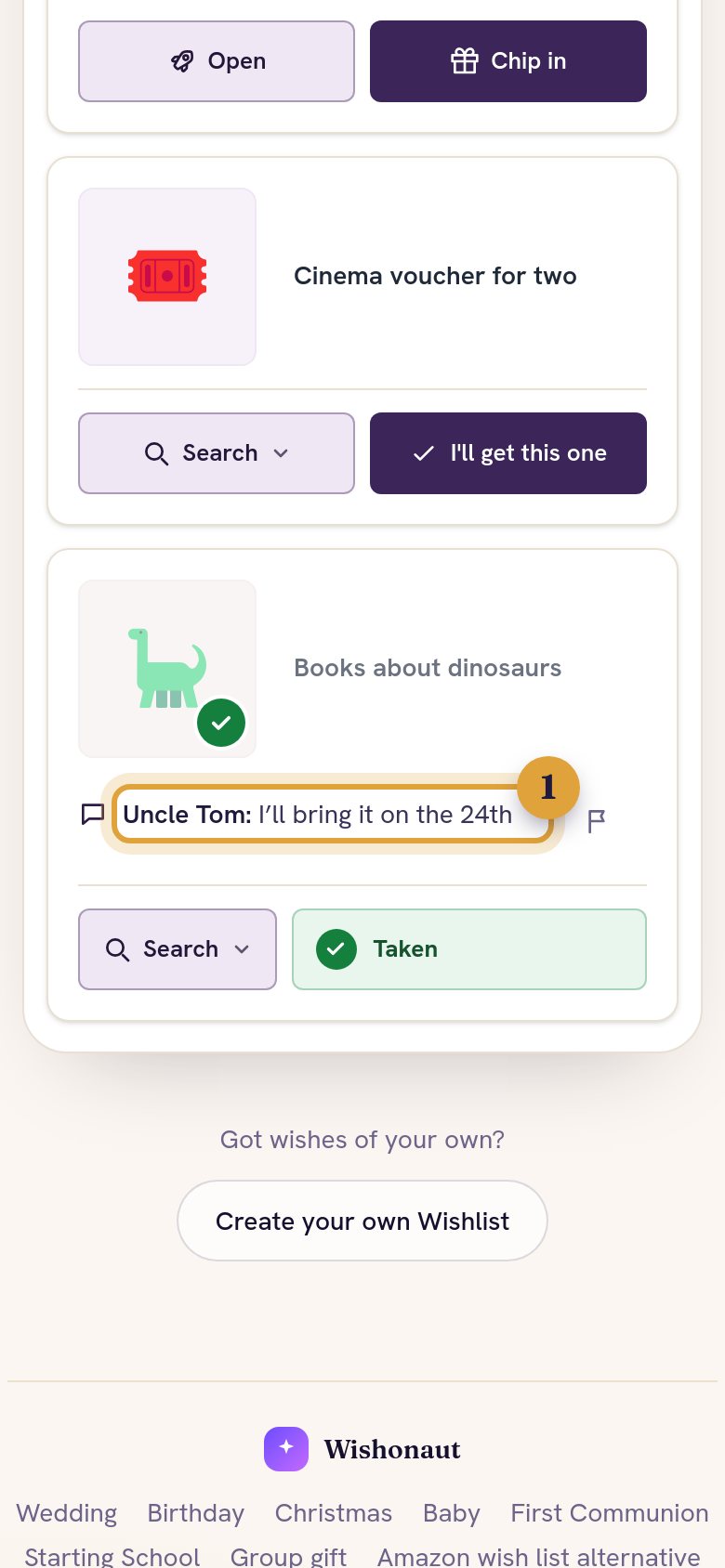
Anyone opening the list afterwards sees the wish as “Taken” – along with the name and note 1. No more doubling up.
-
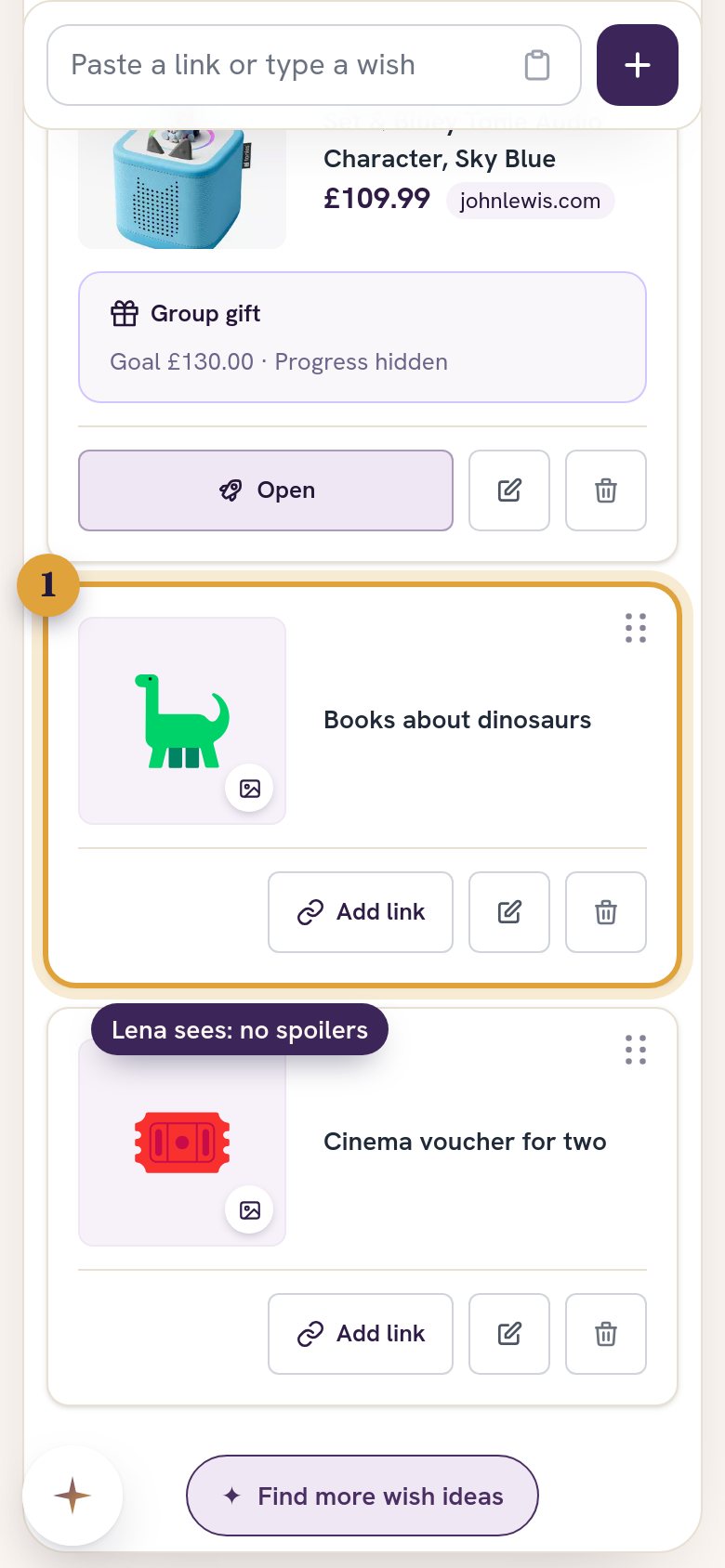
Step 4: And you? You see nothing.
Nothing changes on your own list 1: no tick, no name, no note. If you really want to know, switch on “Show what’s taken” in the settings.
Made a mistake? Whoever reserved a wish can release it again on their device with a single tap.
Give it a go
Free, no sign-up – and done in two minutes.