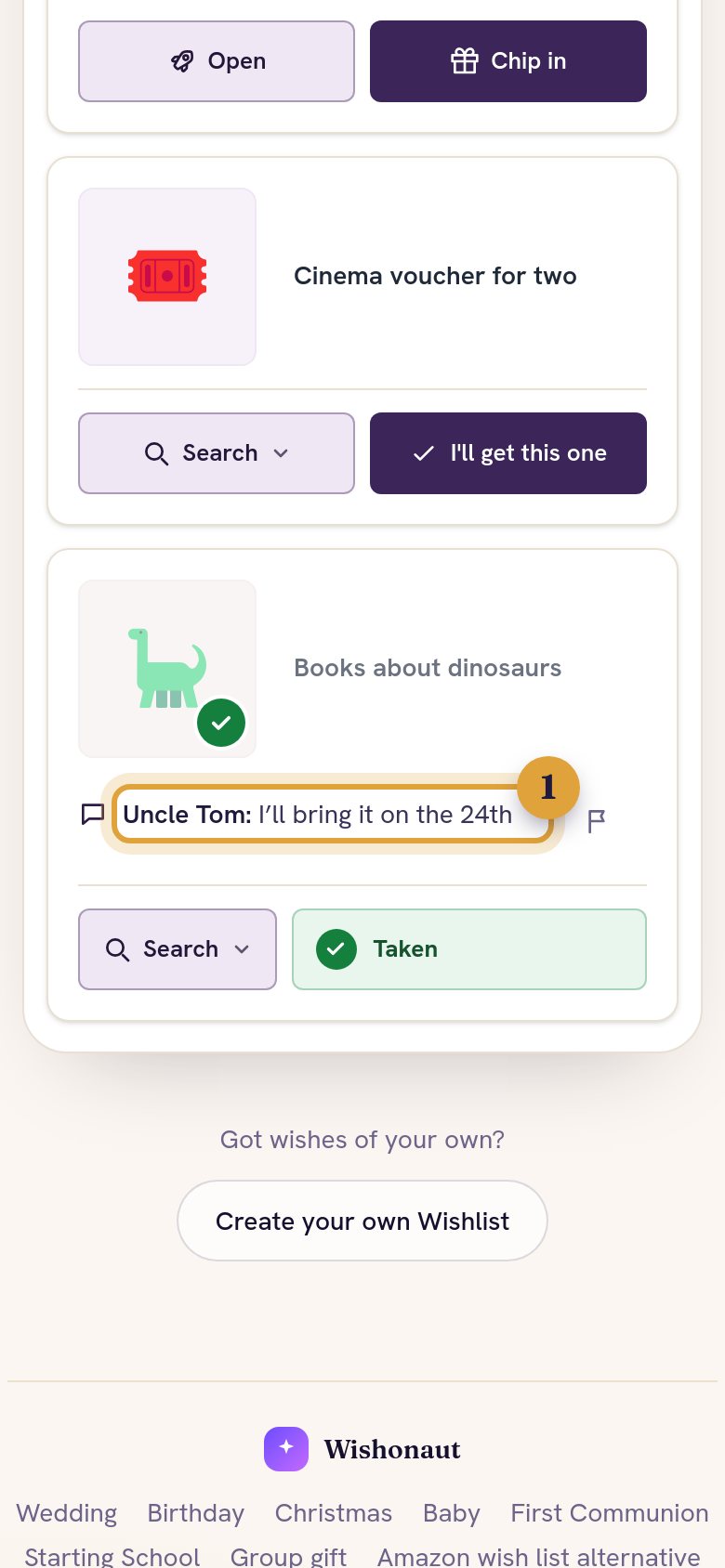
No ideas? Just describe who it’s for

Empty list, empty head? That’s what the gift finder is for: describe who the list is for in your own words and get suggestions from 388 hand-picked ideas.
-
Step 1: Open the gift finder
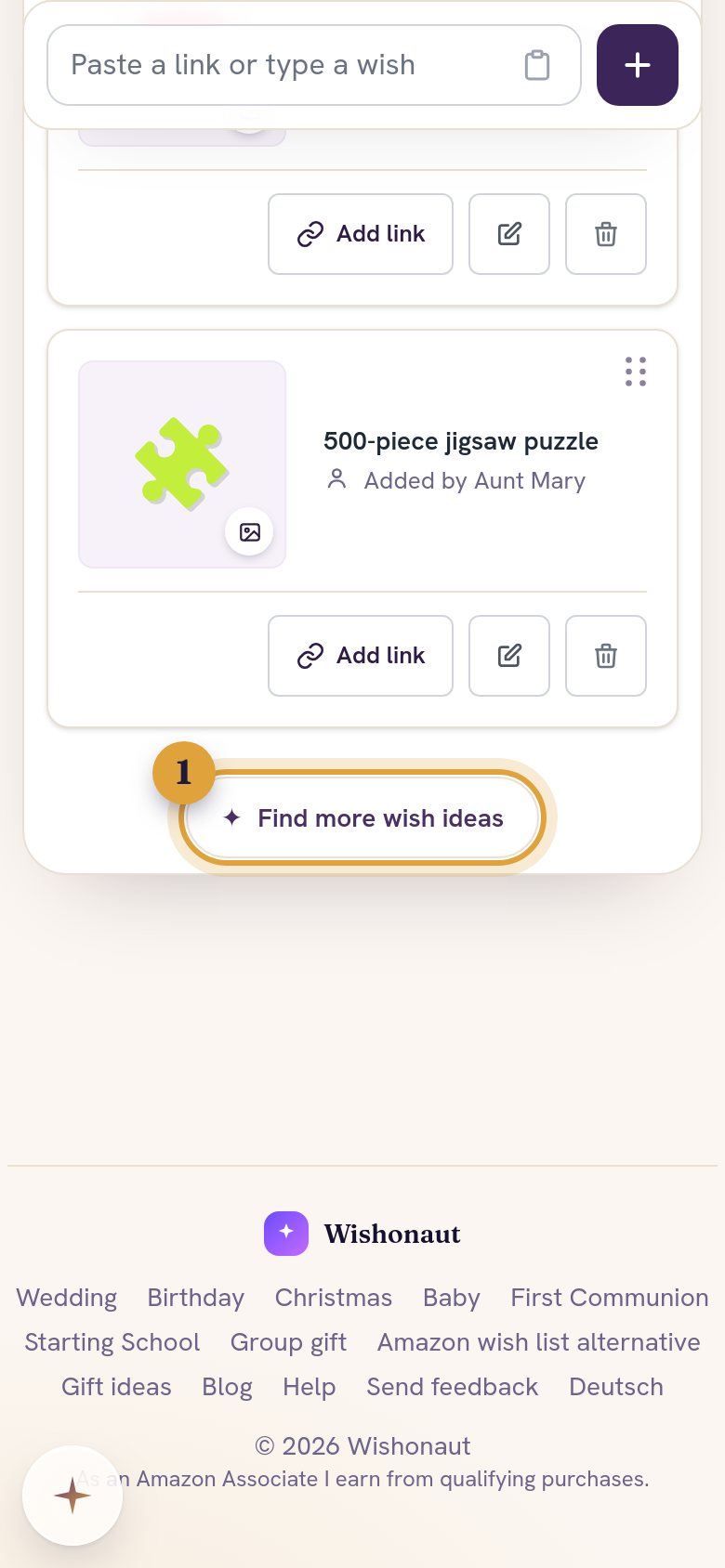
At the bottom of your list, tap “Find more wish ideas” 1. If your list is still empty, the button says “Find ideas”.
-
Step 2: Describe them like you would to a friend
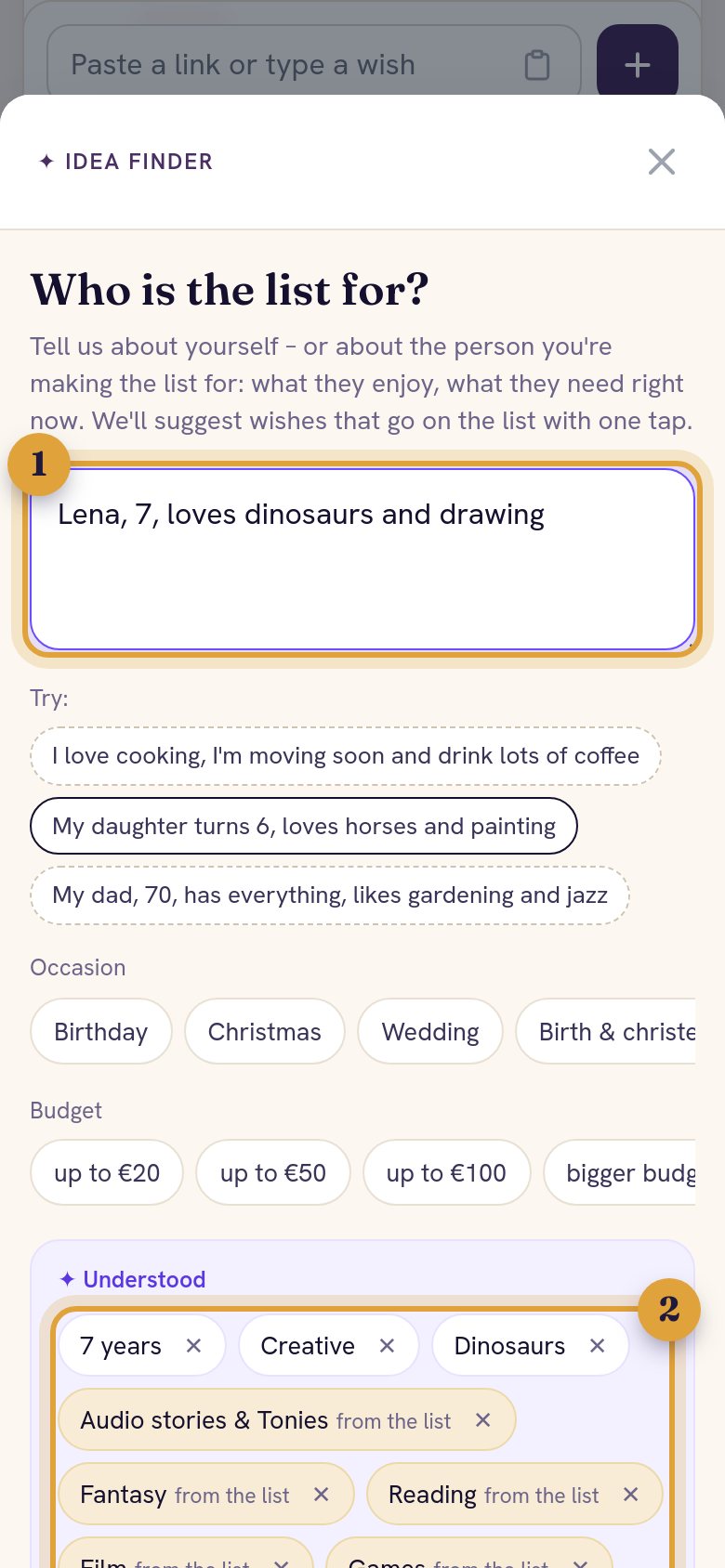
Just start typing 1: “Lena, 7, loves dinosaurs and drawing”. Below, you’ll see what the finder understood 2 – if something’s off, tap it away.
-
Step 3: One tap and it’s on the list
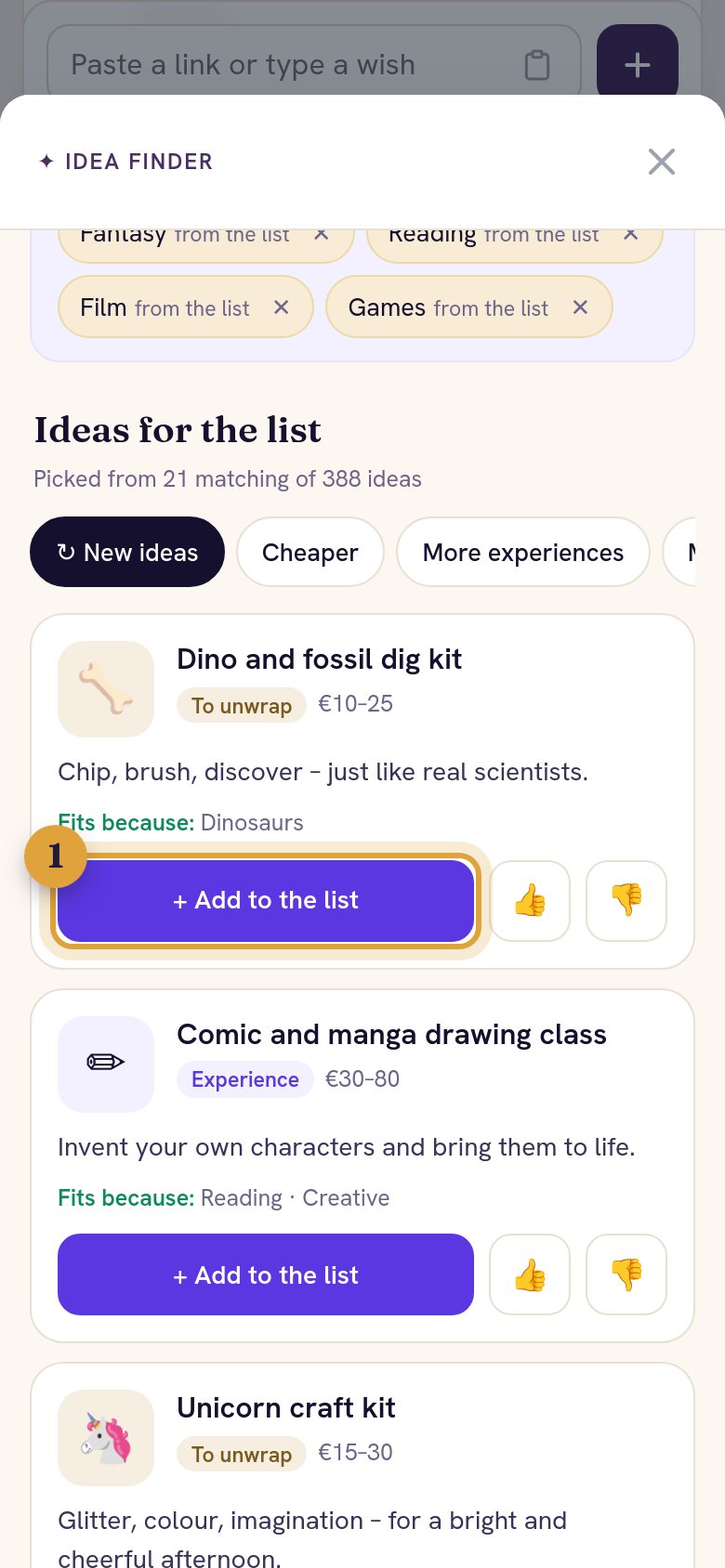
Like a suggestion? “+ Add to the list” 1 puts it straight onto your wishlist. Use 👍 and 👎 to tell the finder what fits – and the next suggestions get even better.
You can use the gift finder without a list of your own, too: under “Gift ideas” in the menu, whenever you’re looking for something for someone else.
Give it a go
Free, no sign-up – and done in two minutes.